Walk into any electronics retailer and the conversation starts with brands and features. But the single most important decision when buying a new TV is one that most people get wrong — screen size relative to viewing distance.
Too small and you're straining to see detail from across the room. Too large and the picture feels overwhelming, with visible pixels at normal seating distance. Get it right and the difference is immediately obvious.
At Betta Batemans Bay we display TVs from 24 inches to 100 inches on the showroom floor — which means you can see exactly how a screen size looks and feels before you buy, rather than guessing from a floor model surrounded by other screens in a warehouse environment.
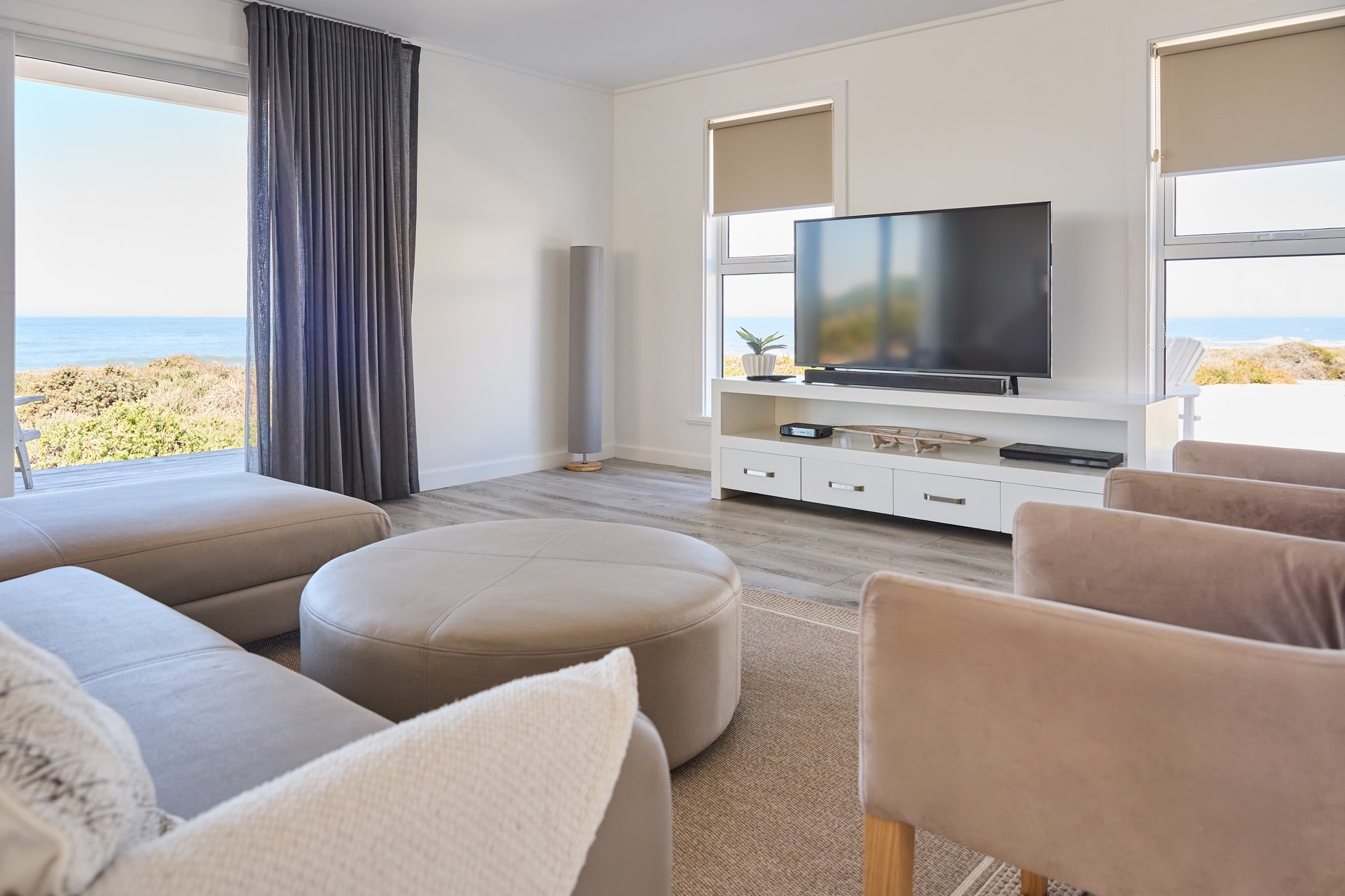
Screen Size and Viewing Distance — The Practical Guide
The general rule for modern 4K TVs is simple: divide your viewing distance by 1.5 to get the ideal screen size in inches.
| Viewing Distance | Recommended Screen Size |
|---|---|
| 1.5m | 40" |
| 1.8m | 50" |
| 2.1m | 55" |
| 2.4m | 65" |
| 2.7m–3m | 75" |
| 3.5m+ | 85"–100" |
How to measure your viewing distance: Sit in your normal watching position and measure the distance to where the TV will be mounted or positioned. That number — divided by 1.5 — gives you the ideal screen size for a 4K set.
For Full HD (1080p) TVs, you generally want to sit a little further back, as pixel structure becomes more visible at closer distances. For 4K and 8K, you can sit closer without any loss of picture quality — which is why larger screens work so well in modern living rooms.
Local tip: Bring a photo or the dimensions of your TV unit when you visit — our team can confirm a screen will fit comfortably before you buy, especially for larger MiniLED, OLED or Micro RGB models.
Not sure? Come into the showroom and stand at your estimated viewing distance in front of our display wall. What looks enormous on a shelf at close range often looks exactly right from a couch distance. It's the only reliable way to judge.
Picture Technology — What the Terms Actually Mean
4K vs 8K
Almost every TV sold today at 40" and above is 4K — four times the resolution of Full HD. Unless you're buying a very large screen (85"+) and sitting close, 8K offers diminishing returns for most households given the limited availability of native 8K content. 4K is the right choice for most buyers right now.
LED, QLED, and OLED
LED is the standard backlit LCD technology found in most TVs. Reliable, bright, and available at every price point.
QLED (used by Samsung and others) adds a quantum dot filter to an LED panel, improving colour accuracy and brightness. A strong choice for well-lit rooms where glare is a factor — common in South Coast homes with large windows and plenty of natural light.
OLED offers pixel-level light control — each pixel generates its own light and can switch off completely, delivering true black and exceptional contrast. Outstanding picture quality, particularly in darker viewing environments. Available at higher price points.
MiniLED
MiniLED uses thousands of tiny LEDs for far more precise local dimming than standard LED — brighter highlights, deeper blacks and better contrast. It sits between QLED and OLED for picture quality, with excellent brightness for sunny South Coast living rooms. Available across Samsung, LG, Hisense and TCL.
Micro LED
Micro LED is the most advanced consumer display technology available. Like OLED, each pixel produces its own light and switches off independently for true black and infinite contrast — but using inorganic LEDs for much higher brightness, a longer lifespan, and no risk of burn-in. Currently available in larger screen sizes at the premium end of the market.
Micro RGB — The Next Frontier
Micro RGB is the newest display technology, available from 55" to 115" in the 2026 lineup. Instead of filtering white LEDs through colour layers, it uses individual red, green and blue micro-LEDs — delivering colour accuracy no other technology currently matches, with 100% of the BT2020 colour gamut. Paired with Samsung's AI processing and HDR10+ ADVANCED, it's the current peak of consumer picture quality, and Hisense has similar technology just released. We display Samsung and Hisense Micro RGB models in-store — worth seeing in person.
HDR
High Dynamic Range improves contrast and colour depth beyond standard displays. Look for HDR10 as the baseline — Dolby Vision support is a bonus for streaming content.
Refresh Rate
Measured in Hz. 60Hz is standard; 120Hz is noticeably smoother for sport and gaming. If your household watches a lot of live sport or plays console games, 120Hz is worth prioritising.
Smart TV Features — What You Actually Need
Every TV we sell is a Smart TV with built-in streaming apps — Netflix, Stan, Disney+, YouTube, and more. The key considerations are:
Operating system — LG uses webOS, Samsung uses Tizen, and most other brands use Google TV. All are capable; Google TV has the advantage of integrating with Google Assistant and Chromecast natively.
Voice control — useful for changing inputs, searching content, and controlling smart home devices. Built into most current models.
HDMI ports — check how many you need. A soundbar, a gaming console, a Blu-ray player, and a streaming device can fill four HDMI ports quickly. Look for at least one HDMI 2.1 port if you have a current-generation gaming console.
Before You Buy Checklist
- Measure your actual viewing distance from the couch
- Divide that distance (in metres) by 1.5 for your ideal screen size in inches
- Check how many HDMI ports you need for your setup
- Decide if you need a soundbar to go with it
- Ask about commercial or trade pricing if buying for a rental or multiple rooms
Sound — The Part Everyone Forgets
Built-in TV speakers have improved, but a large flat panel has limited physical space for speaker drivers and bass response. For a living room of any size, a soundbar is a worthwhile addition — it transforms the audio experience and doesn't require a full home theatre setup.
We stock a range of soundbars to suit every TV size and budget. Our team can recommend a matched pairing when you choose your TV.
TVs for Holiday Homes and Rental Properties
Holiday rental guests expect a quality TV experience — it's one of the most commented-on features in online reviews. For rental properties across the Eurobodalla, our recommendations:
Size for the room. A 55" TV in a large living room looks underwhelming on a review photo and feels inadequate for a group of eight. Size up for the peak occupancy experience.
Simple to use. A Smart TV with a clean interface and straightforward remote reduces guest confusion and the inevitable "how do I get Netflix" messages to the property manager.
Durable and reliable. Rental TVs get heavier use than domestic sets. Mid-range models from reputable brands offer the best balance of quality and longevity for rental applications.
Multiple rooms. A well-equipped holiday rental often has TVs in the main living area, master bedroom, and sometimes additional bedrooms. We offer commercial and trade pricing for bulk purchases — call us on (02) 4472 4462 for a quote on multiple units.
Commercial and Trade Purchases
Whether you're fitting out a holiday rental, a motel, a commercial premises, or managing a trade account, we offer price quotes on request for bulk and commercial TV purchases.
Sizes from 24" through to 100" are available, and our team can advise on the right specification for commercial applications including reception areas, meeting rooms, outdoor covered areas, and accommodation.
Installation — Getting It on the Wall Right
A TV on a wall mount looks cleaner, frees up furniture space, and positions the screen at the ideal viewing height. Getting the installation right matters — particularly for large screens, masonry walls, and plasterboard with specific stud locations.
Cabinet and furniture placement: Our team can set up and configure your new TV on existing furniture or entertainment units — including connecting sources, setting up streaming apps, and making sure everything works before we leave. Read more about how our local delivery and setup service works.
Wall mounting: For wall mount installations, we recommend using a qualified trades professional to ensure the bracket is secured correctly and cable management is done properly. We're happy to recommend our preferred local installers — call us on (02) 4472 4462 and we'll point you in the right direction.
Local TV and antenna installation specialists we recommend:
- Paul Davies TV, Phone & Data Communications — Batemans Bay
- Sounds Perfect — Home Theatre & AV Installation
Jaycar — Brackets, Cables, and Everything Else
Once you have the right TV, getting the installation complete means having the right accessories. Our Jaycar Electronics store, co-located at The Homemaker Centre, carries a full range of:
- TV wall mount brackets — fixed, tilt, and full-motion, in sizes to suit screens from small to very large
- HDMI cables — standard and high-speed, in a range of lengths
- Optical audio cables for soundbar connections
- Antenna cables and signal boosters for free-to-air reception
- Cable management solutions — raceways, clips, and wall plates for a clean finish
- Universal remotes, surge protectors, and more
Having Jaycar on-site means you can buy your TV, pick up the bracket and cables, and leave with everything you need in a single visit.
Brands We Stock
Samsung — market-leading picture technology, particularly their QLED, MiniLED and Micro RGB ranges. Excellent Smart TV platform and a strong choice for bright South Coast living rooms.
LG — renowned for their OLED panels, which deliver the finest picture quality available at consumer price points. Also offer excellent value LED and 4K ranges.
Hisense — outstanding value across the range, with genuine 4K, MiniLED and QLED options at accessible price points. A strong choice for holiday rentals and secondary rooms.
TCL — competitive pricing with solid 4K performance. Popular for rental properties and budget-conscious households.
Chiq — entry-level to mid-range options offering reliable Smart TV functionality at very accessible price points.
👉 Browse our full TVs & Audio range at Betta
See Them Side by Side — In Store
The only way to truly compare TVs is to see them together, at your actual viewing distance, showing the same content. Our showroom displays screens from 24" to 100" so you can see exactly what each size looks like — not guess from a website thumbnail.
Come in, tell us your room dimensions and viewing distance, and we'll show you the right size range on the wall. It's a five-minute conversation that removes all the guesswork. And if you're weighing up buying locally versus online, read our guide on why South Coast residents choose local over online.
Common Questions
What size TV should I buy for my living room?
A simple rule for 4K TVs is to divide your viewing distance (in metres) by 1.5 to get the ideal screen size in inches. For example, a 2.4m viewing distance suits around a 65" screen.
What's the difference between OLED, QLED, MiniLED and Micro RGB?
Each step up offers better contrast, brightness or colour accuracy — OLED gives true blacks, QLED and MiniLED boost brightness and contrast for bright rooms, and Micro RGB, Samsung's newest technology, delivers the most accurate colour available at consumer level.
Can your team install my TV?
We can set up and configure your TV on existing furniture, including connecting sources and streaming apps. For wall mounting, we recommend a qualified installer and can point you to trusted local trades.
Ready to See It on the Wall?
Bring your room dimensions and viewing distance — our showroom displays from 24" to 100" so you can compare in person.
Call (02) 4472 4462 Contact Us